
Common Ways Viruses Enter Your Laptop and How to Stop Them
Description
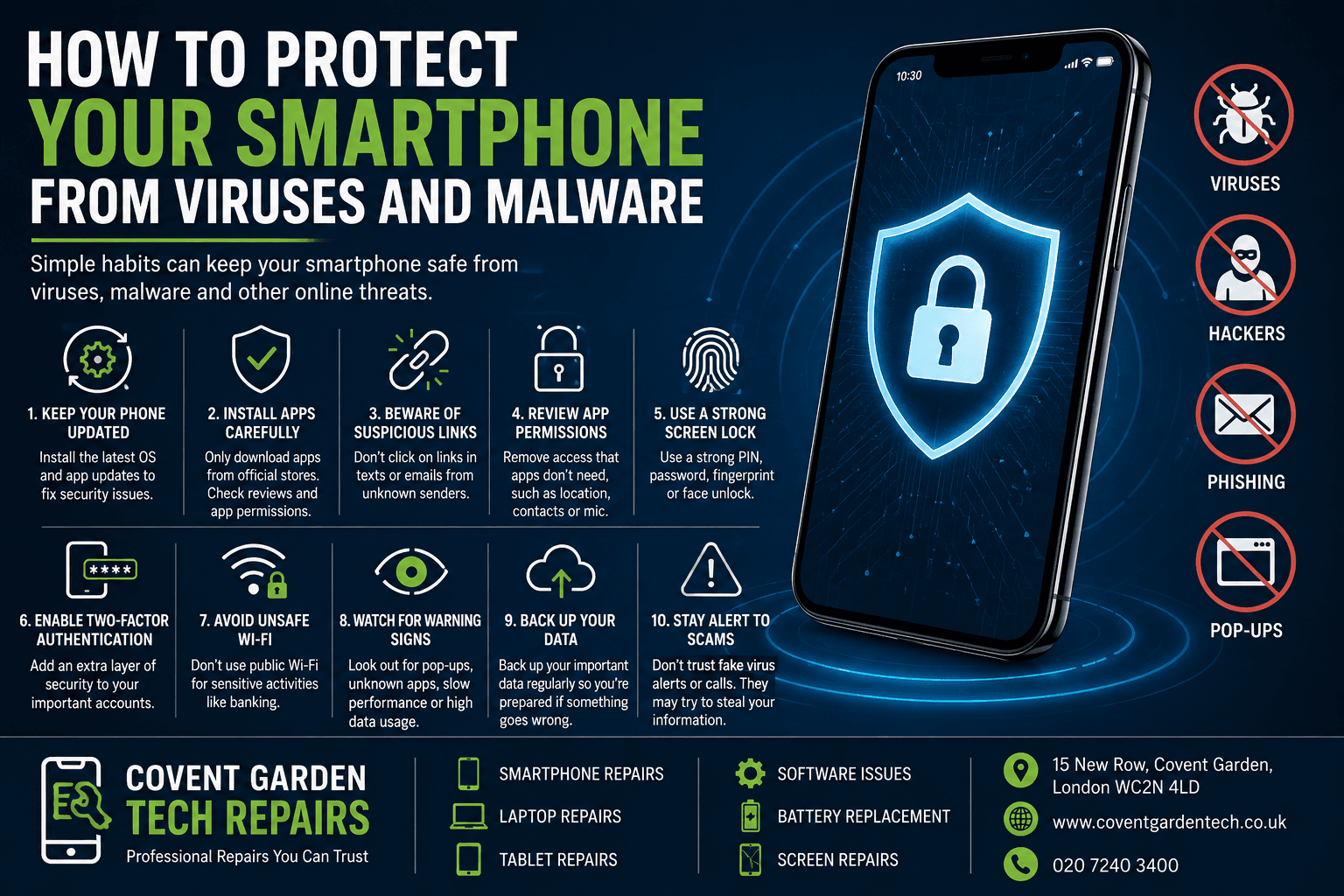
Protecting your laptop from viruses and malware is important for keeping your personal information, files, and device secure. Start by installing reliable antivirus software and keeping it updated regularly. Always keep your operating system, web browser, and other software up to date because security updates often fix vulnerabilities.
Avoid downloading files or software from unknown websites, and be careful when opening email attachments or clicking suspicious links. Using strong, unique passwords and enabling two-factor authentication can provide an additional layer of protection.
It is also a good idea to regularly back up important files. If your laptop becomes infected, a secure backup can help prevent permanent data loss. By following these simple security practices, you can reduce the risk of viruses and keep your laptop running safely.